Company Settings
The Company Settings page provides account-wide configuration for webhooks, billing, activation, IP access control, and SDK color customization.
For step-by-step instructions on activating your account or configuring your webhook, see Billing & Webhook.
Route
/company-settings
Default Tab
The page opens on the Webhook tab by default. If accessed with the query parameter ?isVisitedForActivation, the page opens directly on the Activation tab.
Tabs
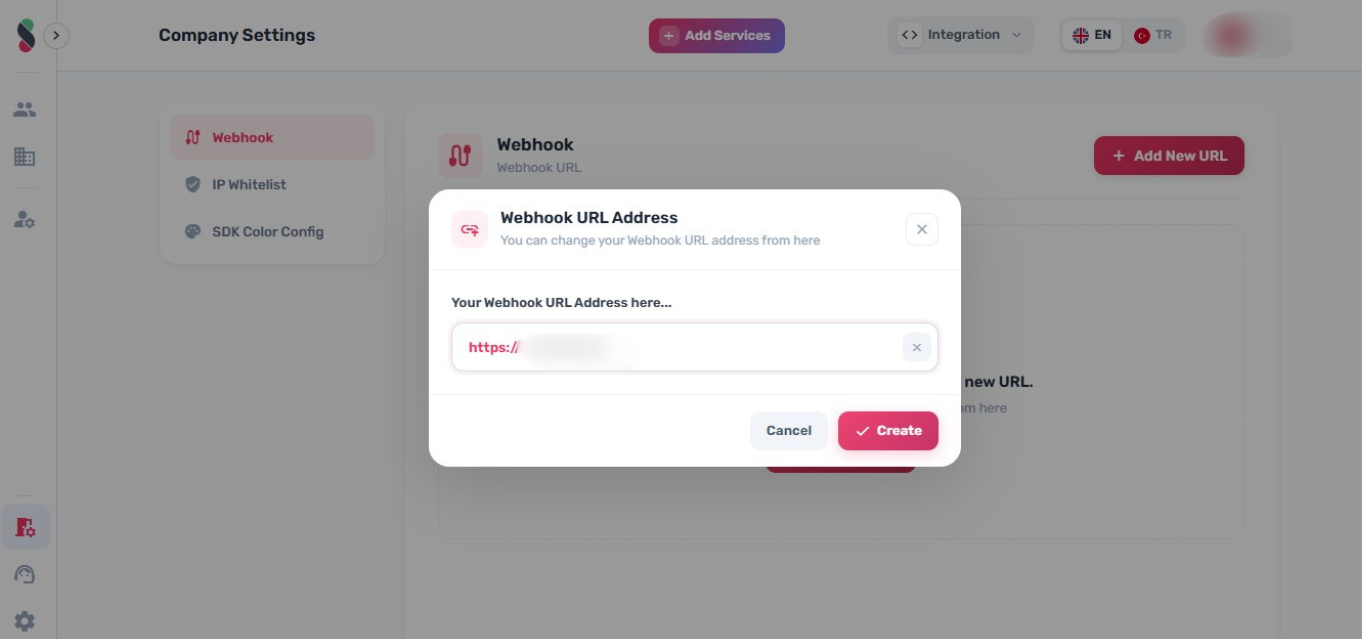
Webhook
- Set the webhook URL.
- View the webhook secret used to verify incoming requests.
warning
Keep webhook secrets private. Do not expose them in client-side code.
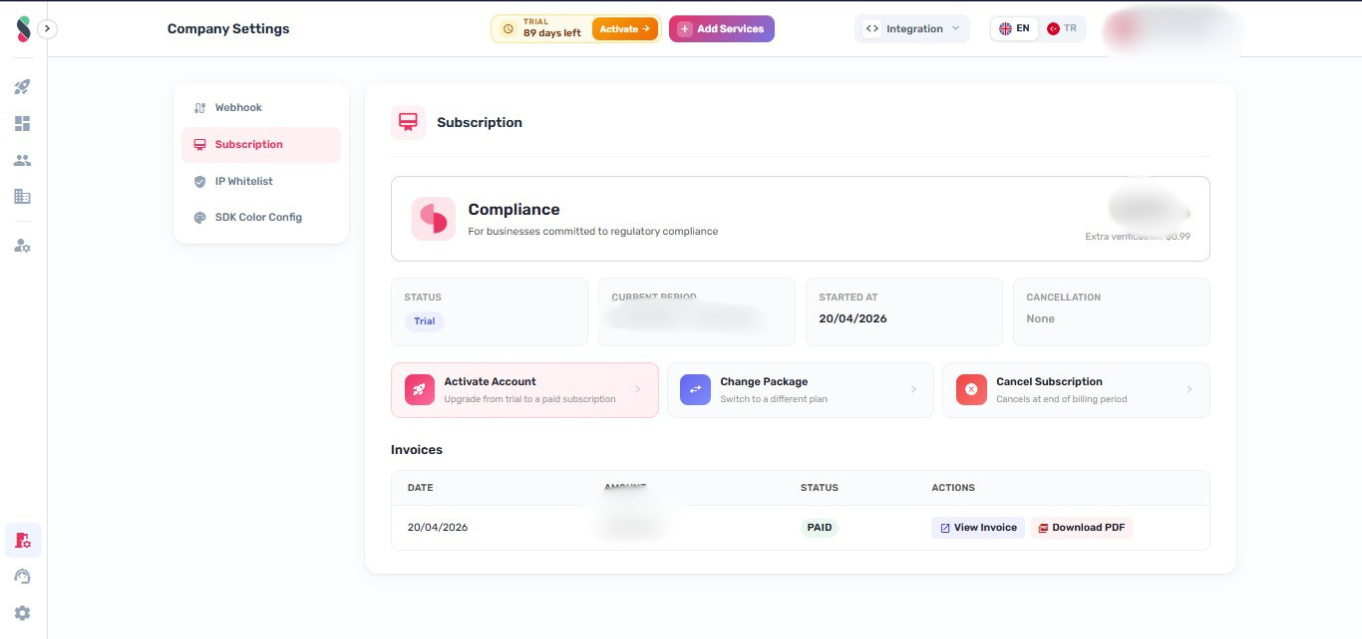
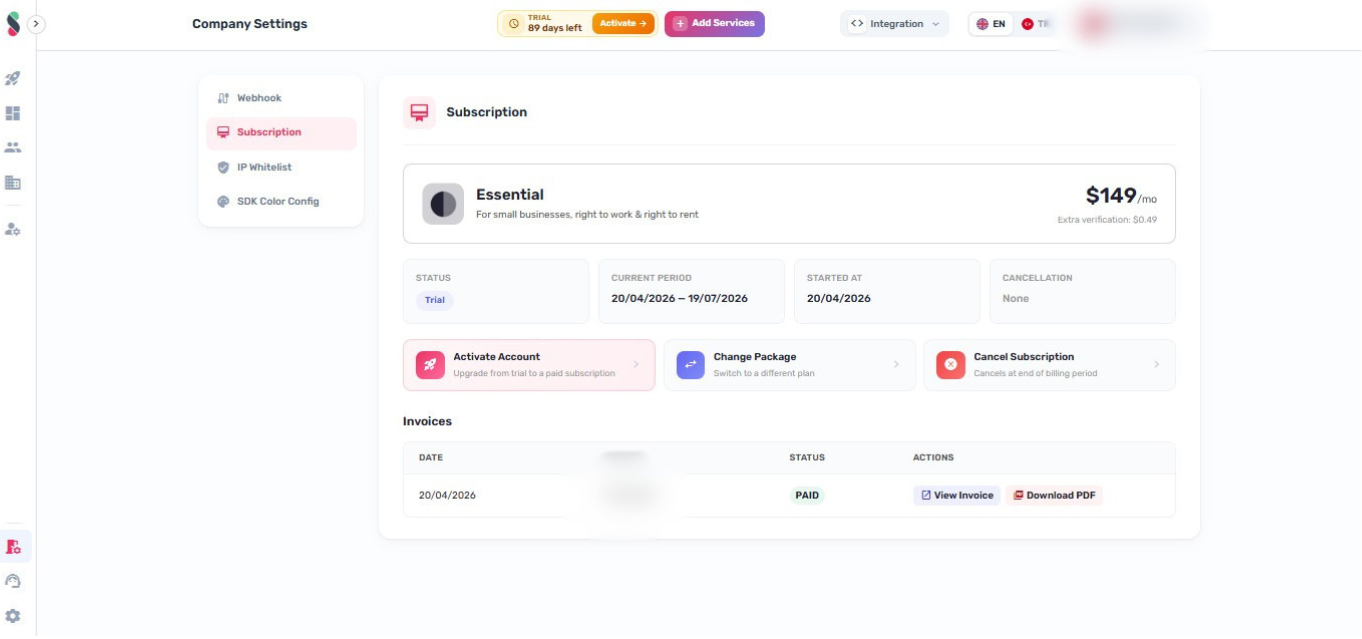
Billing & Invoices
- View billing details and invoices.
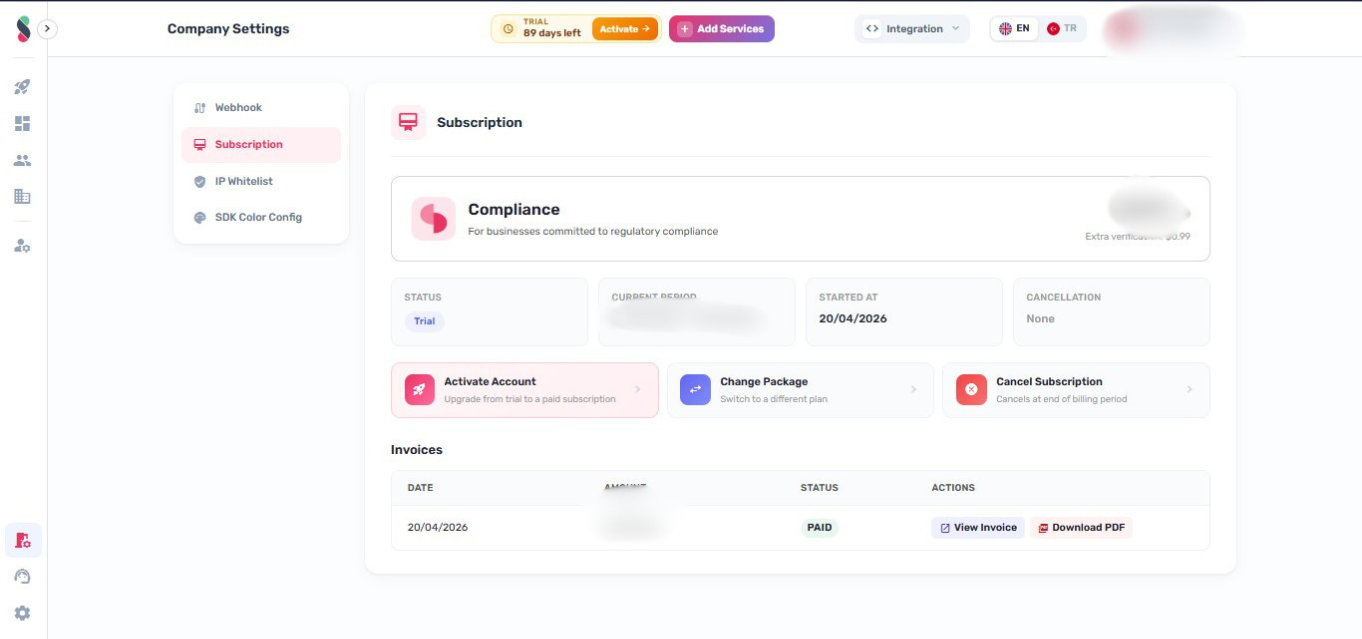
Activation
- Complete activation and subscription setup (trial to paid).
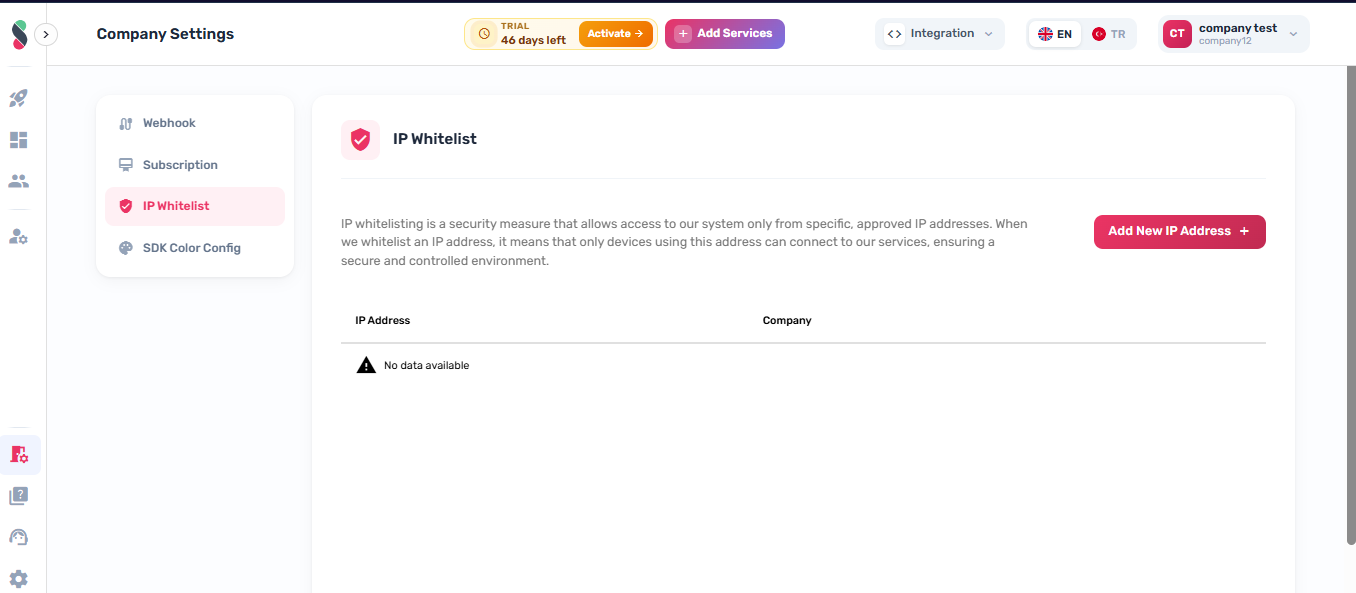
IP Whitelist
- Configure allowed IP addresses for API access.
- This tab is only visible to users with the
view_ipwhitelistpermission.
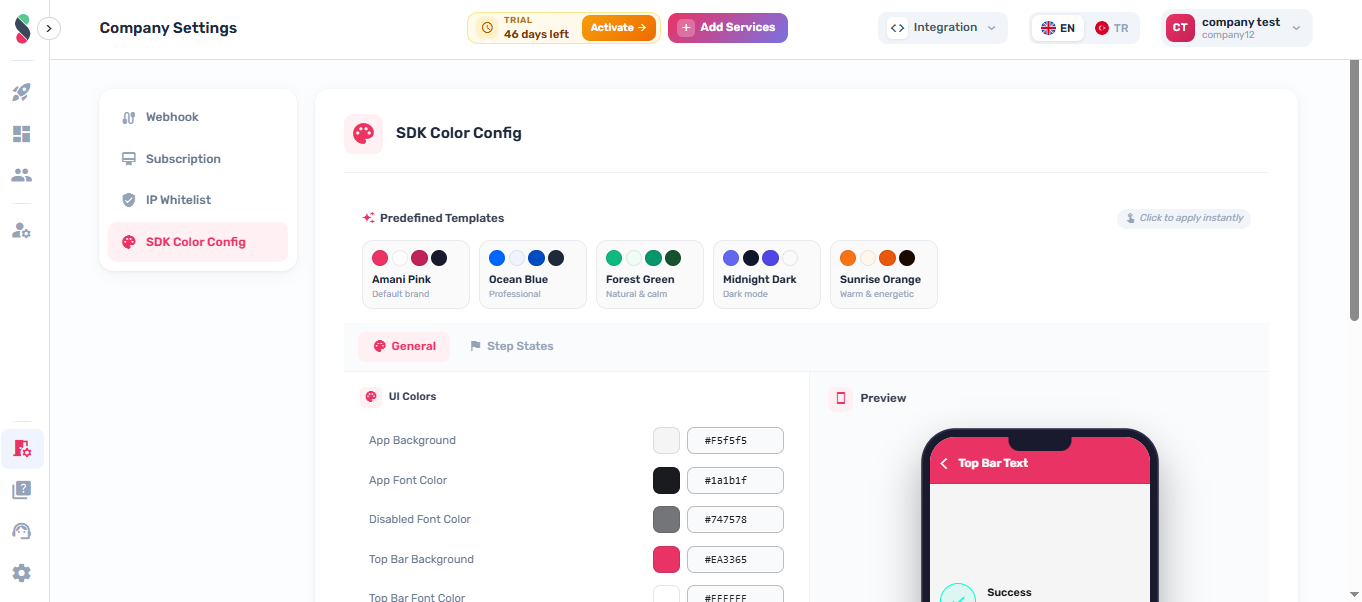
SDK Color Config
- Configure SDK color settings used in verification flows.