Settings
The Settings page manages personal user account settings for the current logged-in user.
Route
/settings
Layout
The page uses a sidebar navigation panel on the left and a content panel on the right. Selecting a nav item switches the active tab panel.
Tabs
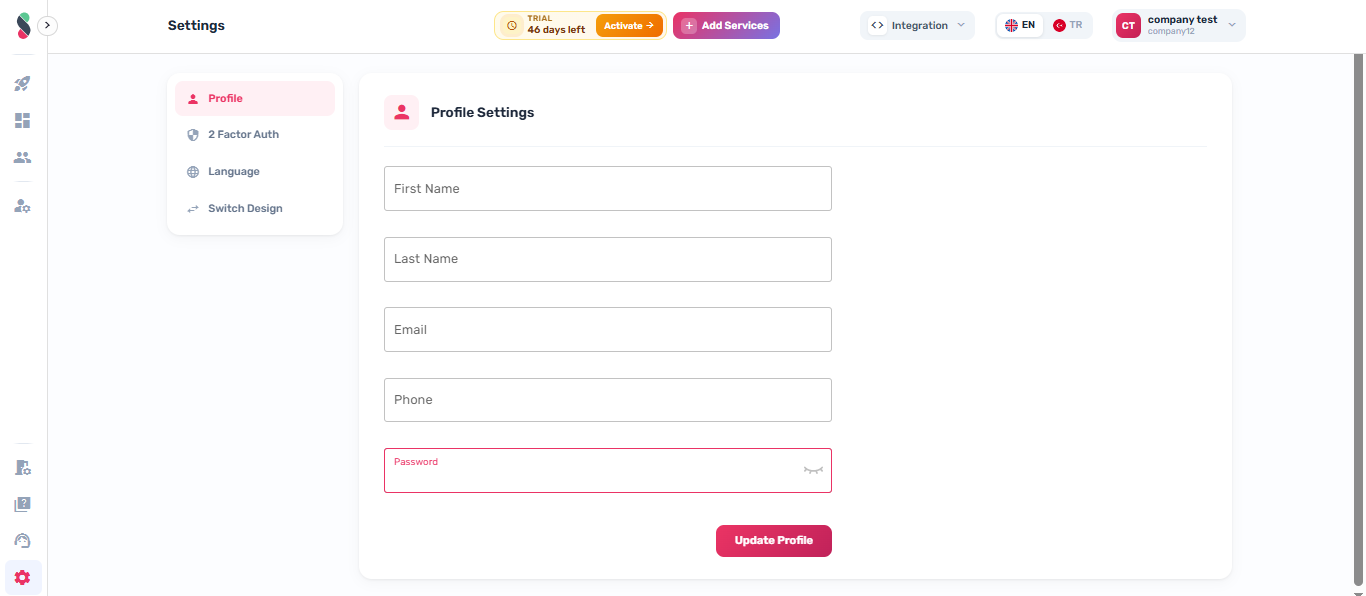
Profile
Fields:
| Field | Type | Required | Validation |
|---|---|---|---|
| First Name | Text | Yes | Cannot be empty |
| Last Name | Text | Yes | Cannot be empty |
| Text | Yes | Must be a valid email address | |
| Phone | Text | Yes | Cannot be empty |
| Password | Password (toggle visibility) | No | If provided: minimum 6 characters, must include lowercase and uppercase letters |
Actions:
- Update Profile — submits the form and updates the user record. Password is only included in the payload if a value is entered.
On success, the user store is refreshed and a success notification is shown.
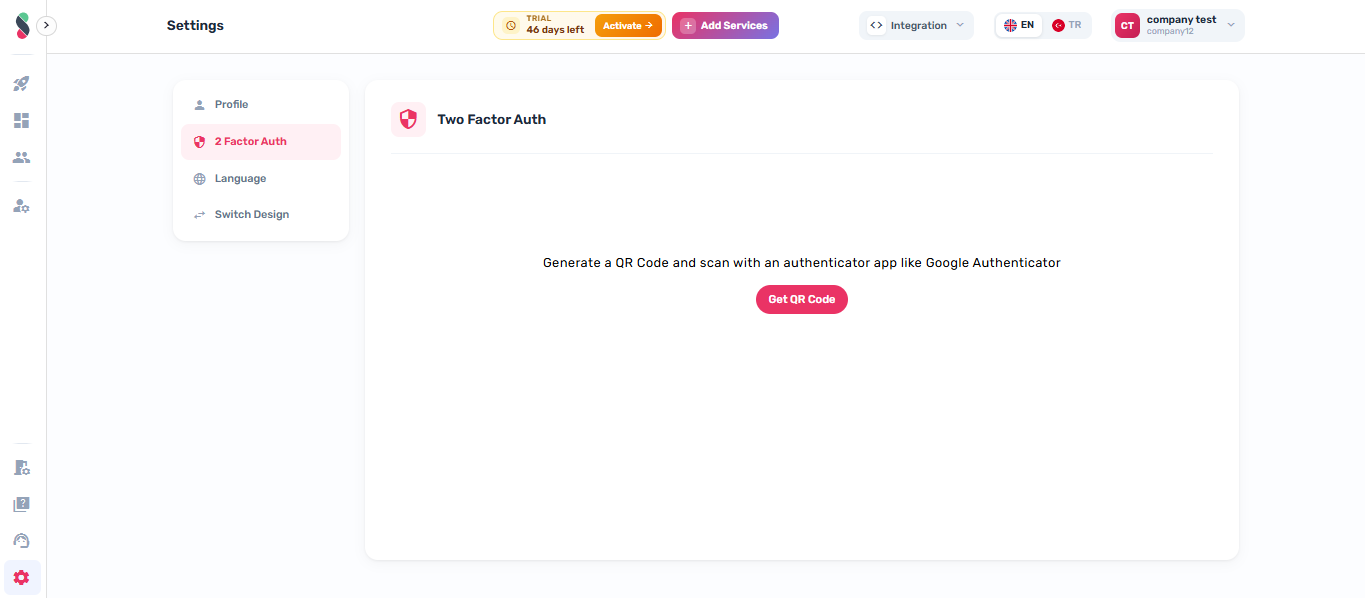
2 Factor Auth
Configure two-factor authentication (2FA) for the current user account.
Biometric Auth
Configure biometric authentication for the current user account. Rendered via the BiometricLogin component.
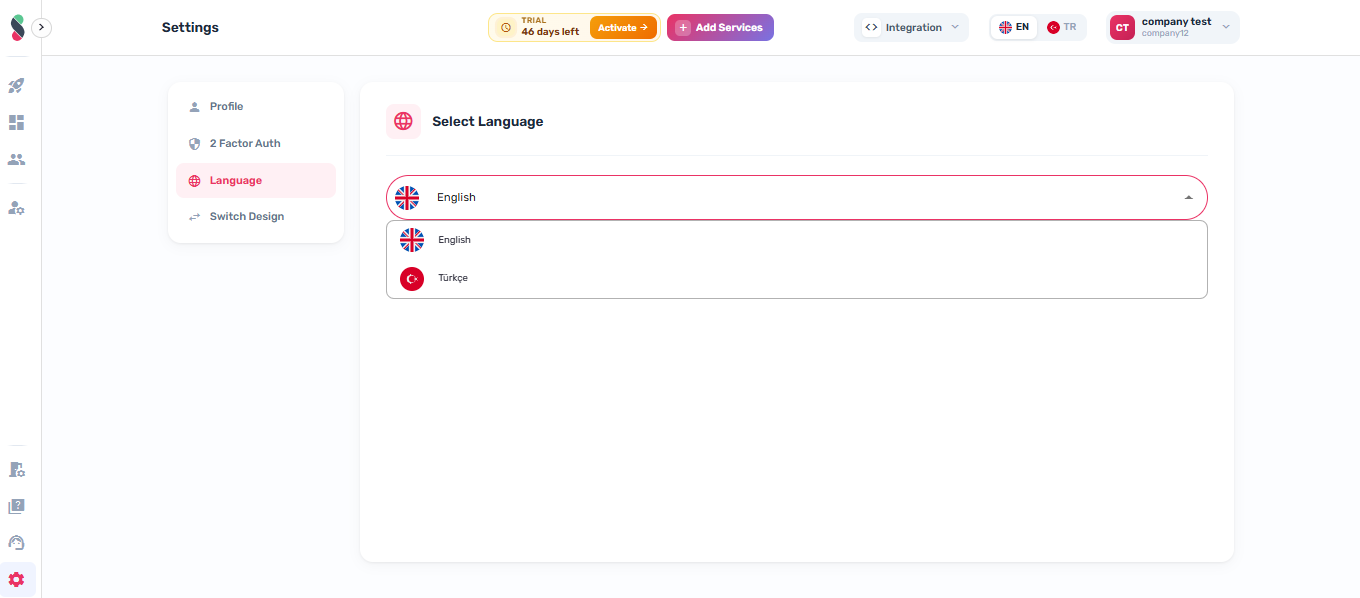
Language
Select the display language for the Studio UI.