Logging In and Out
Route
/login
Prerequisites
- A valid Amani Studio account (email address and password)
- Access to https://app.amani.ai/login
Logging In
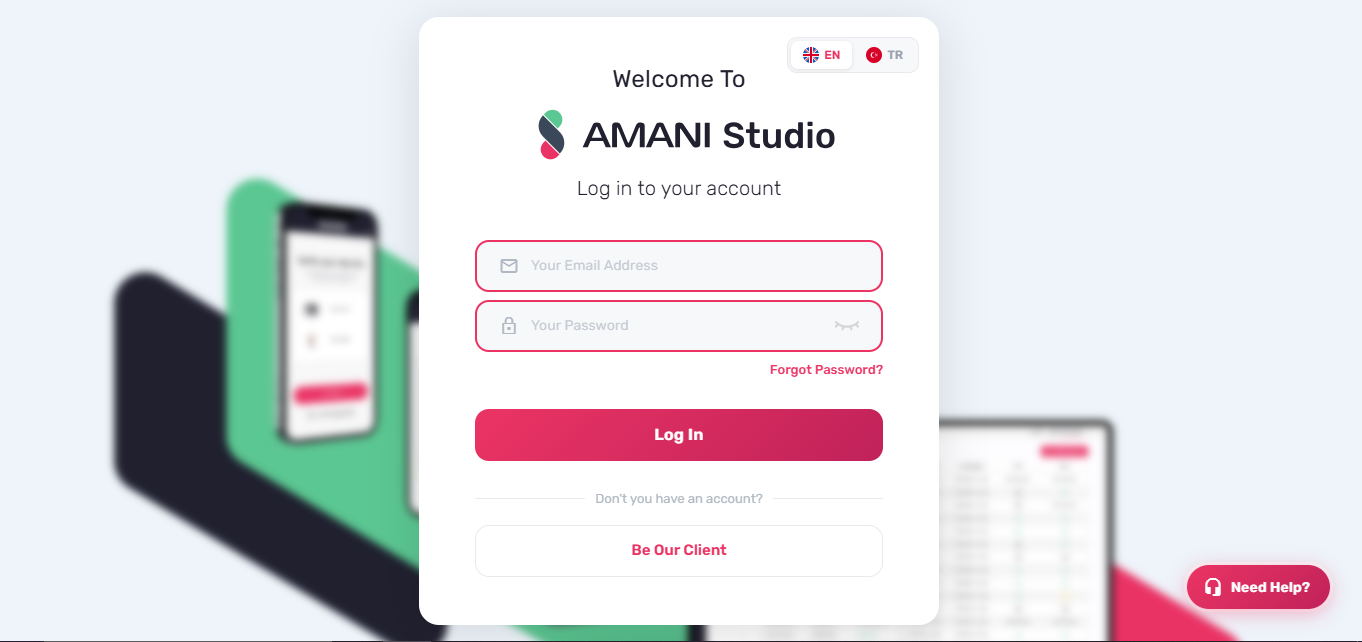
- Navigate to https://app.amani.ai/login
- Enter your registered email address and password
- Click "Log In"
Post-login redirect
| Condition | Redirect destination |
|---|---|
| User belongs to the Video Call Agent group | /calls |
Login URL includes a ?redirect= query parameter | The path specified in redirect |
| All other users | / (Customers page) |
Login page elements
Language switcher
A language toggle in the top-right corner of the login modal switches the UI between English (EN) and Turkish (TR). The selected locale is persisted in local storage.
Switch Between Accounts
If locally stored sessions with valid access tokens exist, a "Switch Between Accounts" dropdown appears above the login form. Selecting an account from the list resumes that session without re-entering credentials.
Multi-factor and conditional authentication
OTP (One-Time Password)
If the account requires OTP, the server returns an OTP Required response after the initial credential submission. An OTP input field appears and the email and password fields are disabled. Enter the OTP and submit again to complete login.
Region selection
If the authenticated account is associated with more than one region, a region dropdown appears after credential validation. Select a region to continue.
Biometric login
If the server returns a Biometric login required response (HTTP 400), a camera dialog opens to capture a photo. The captured image is submitted together with the email and password to complete authentication.
Forgot password
Click "Forgot Password?" below the password field, or follow Resetting Your Password.
Creating an account
Click "Be Our Client" on the login page to navigate to the self-serve account creation flow. See Creating an Account.
Need Help
A "Need Help" button is fixed to the bottom-right corner of the login page. Clicking it opens a support contact modal.
| Field | Requirement |
|---|---|
| Must be a valid email address | |
| Message | Must be longer than 15 characters |
The Send button is enabled only when both fields pass validation. Submitting the form dispatches the message to the Amani support team.
Logging Out
- Click the arrow (▾) next to your profile name in the top-right corner to open the account menu
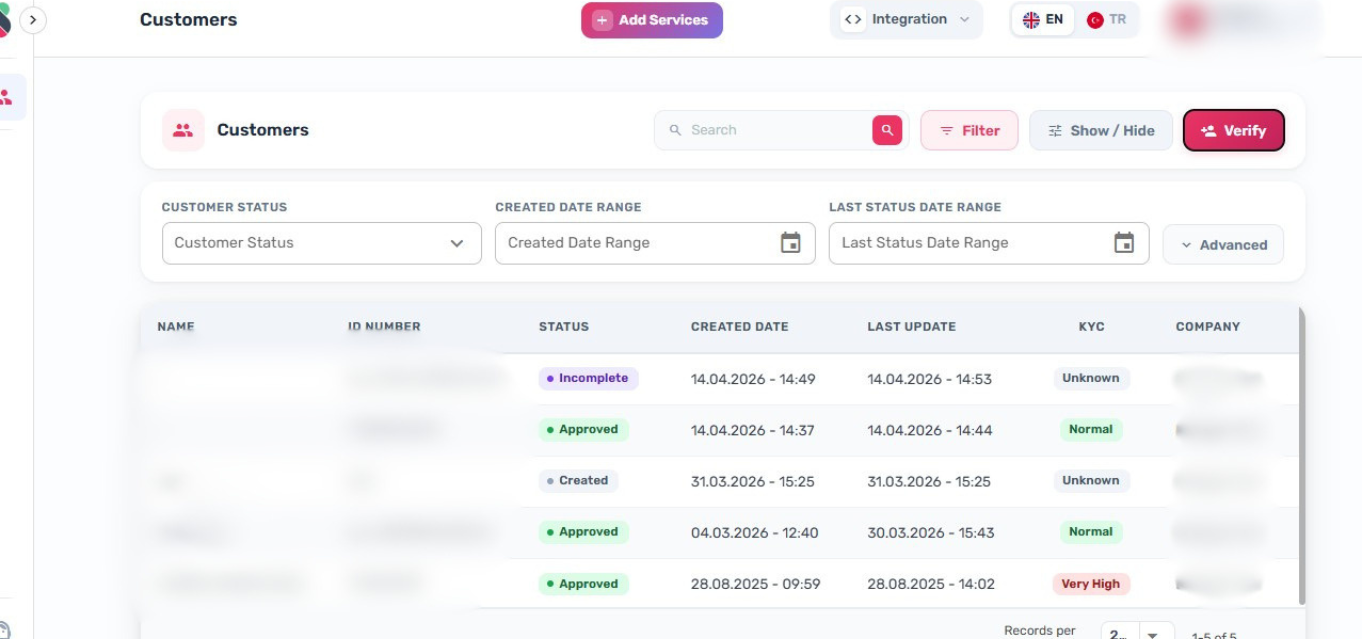
- Click "Logout" to end your session
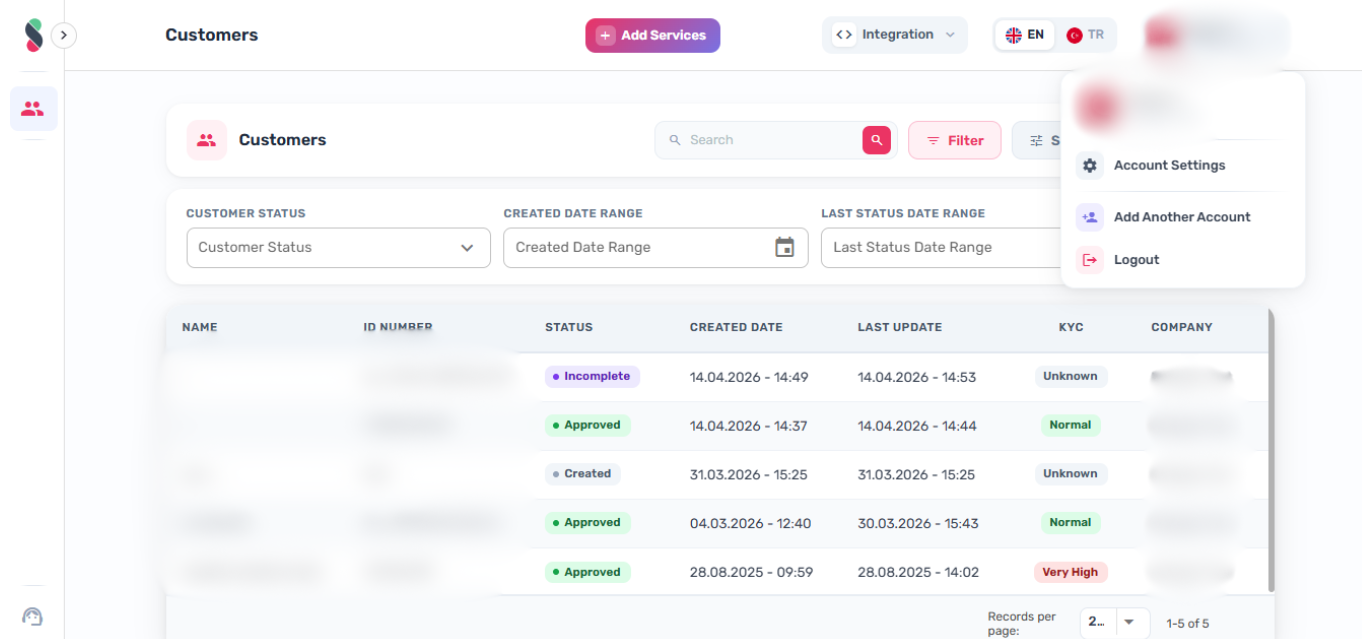
You are redirected to the login page after logout.