Create the First Profile (First KYC)
Prerequisites
- You are logged in to Amani Studio
- Your account is active (see Account Activation)
Step 1 — Create a Customer Profile
- Navigate to https://app.amani.ai
- Click "Add Customer" in the top-right corner of the Customers page
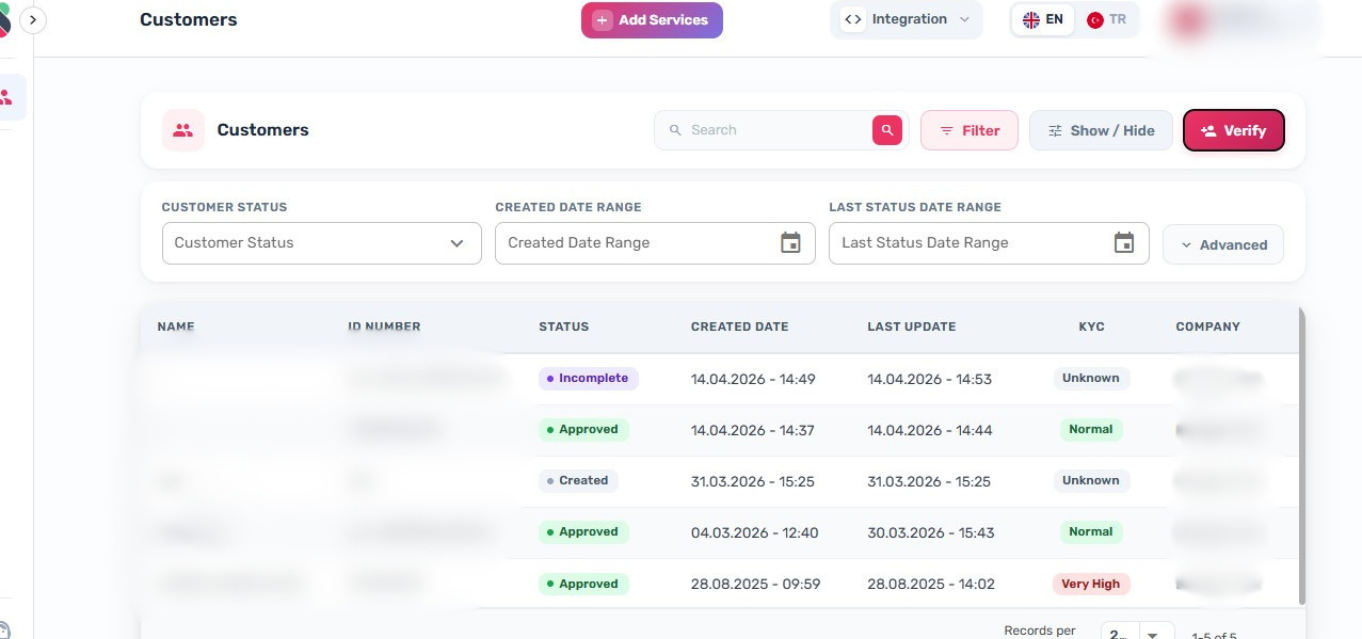
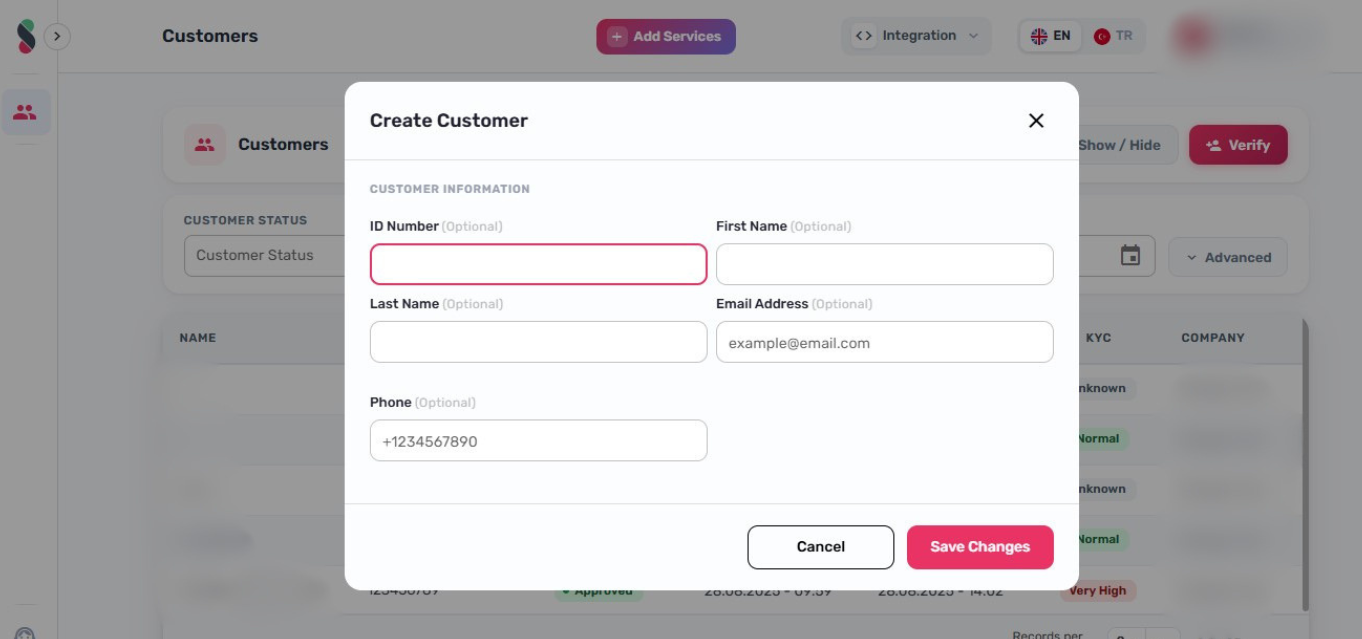
- Enter a unique ID number for the customer (e.g. national ID, passport number, or any internal reference)
note
The ID field is required and must be unique. Use the customer's official document number (national ID, passport, etc.). If you are testing the system, use a clearly identifiable test value and update it before going live.
- Click "Add Customer" to save the profile
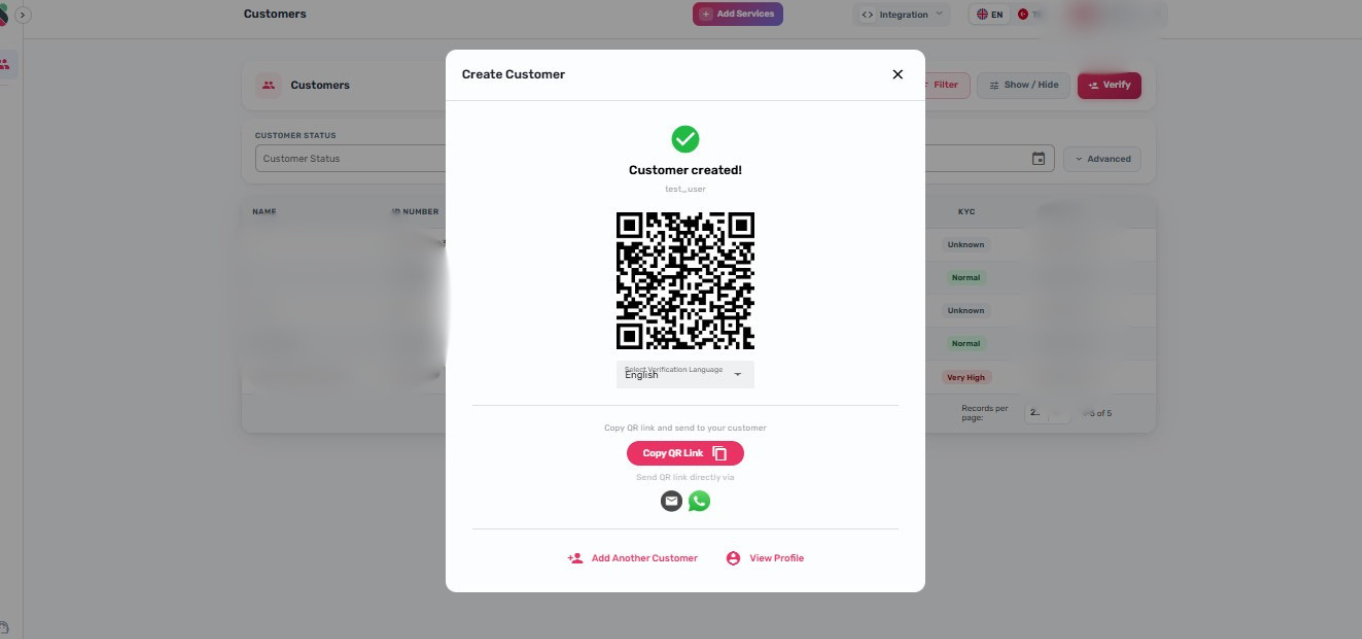
- Click "Back" to return to the customer list
- Click on the newly created profile to open it
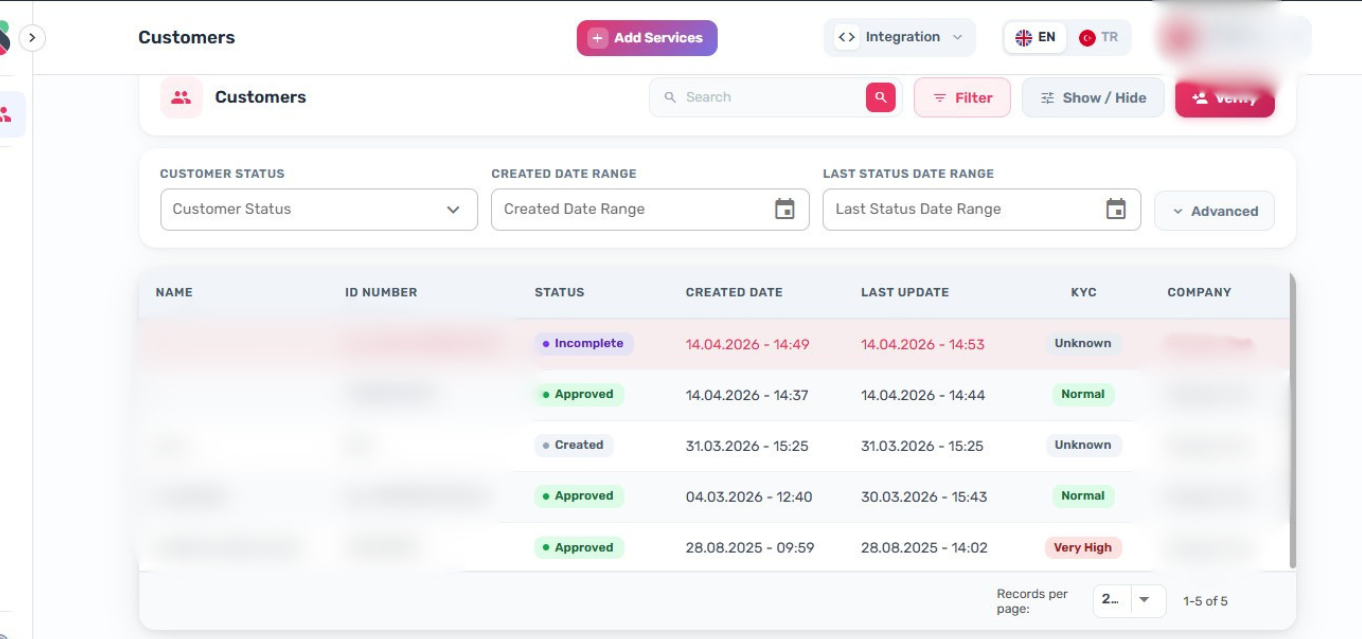
Step 2 — Start the Verification Process
Once the profile is open, initiate KYC verification using one of three methods:
Option A — QR Code
- Click "Generate QR" to create a one-time verification QR code
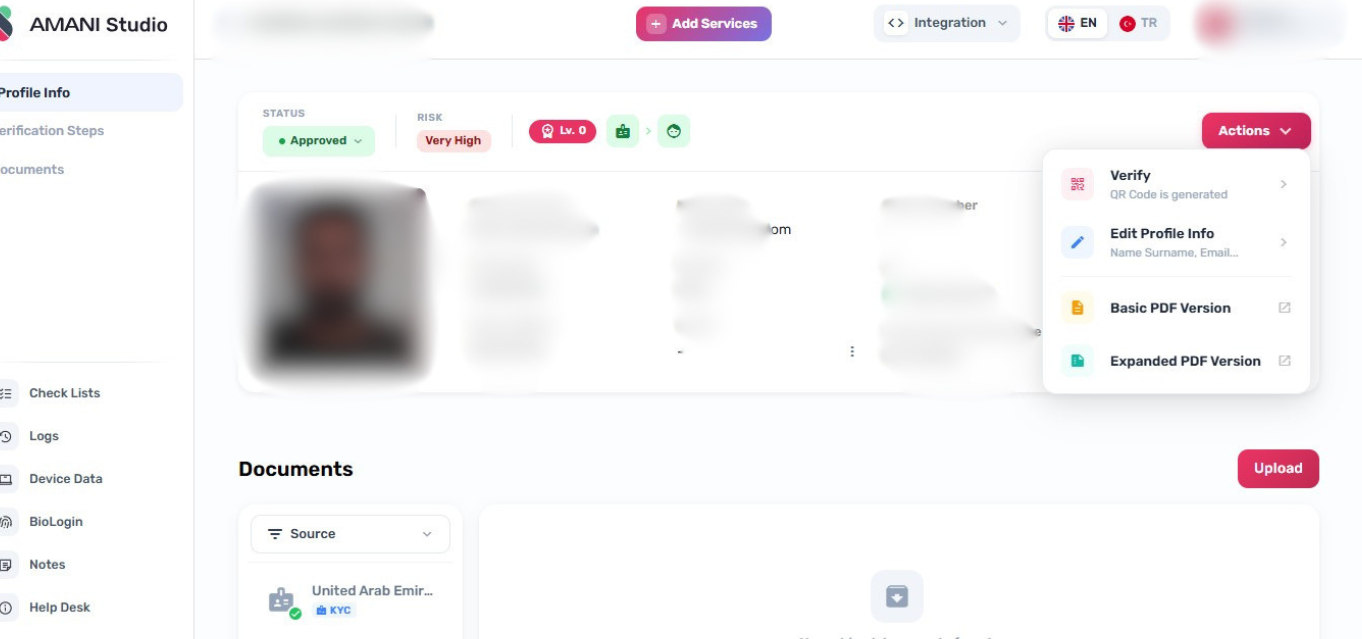
- The customer scans the QR code using their mobile device to begin the verification flow
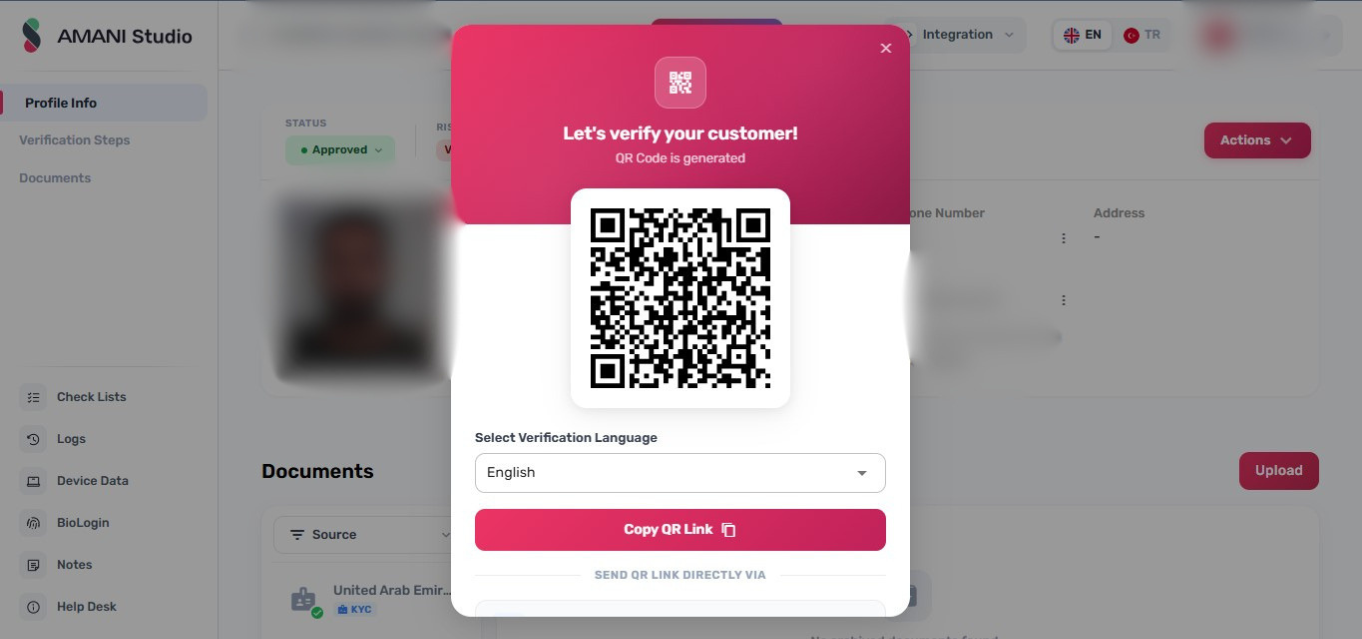
Option B — Shareable Link
- Click "Copy Link" on the same screen
- Send the link to the customer via email, SMS, or any messaging channel
- The customer opens the link on their device and completes verification
Option C — Manual Upload
- Click "Upload Document" from the customer's profile page
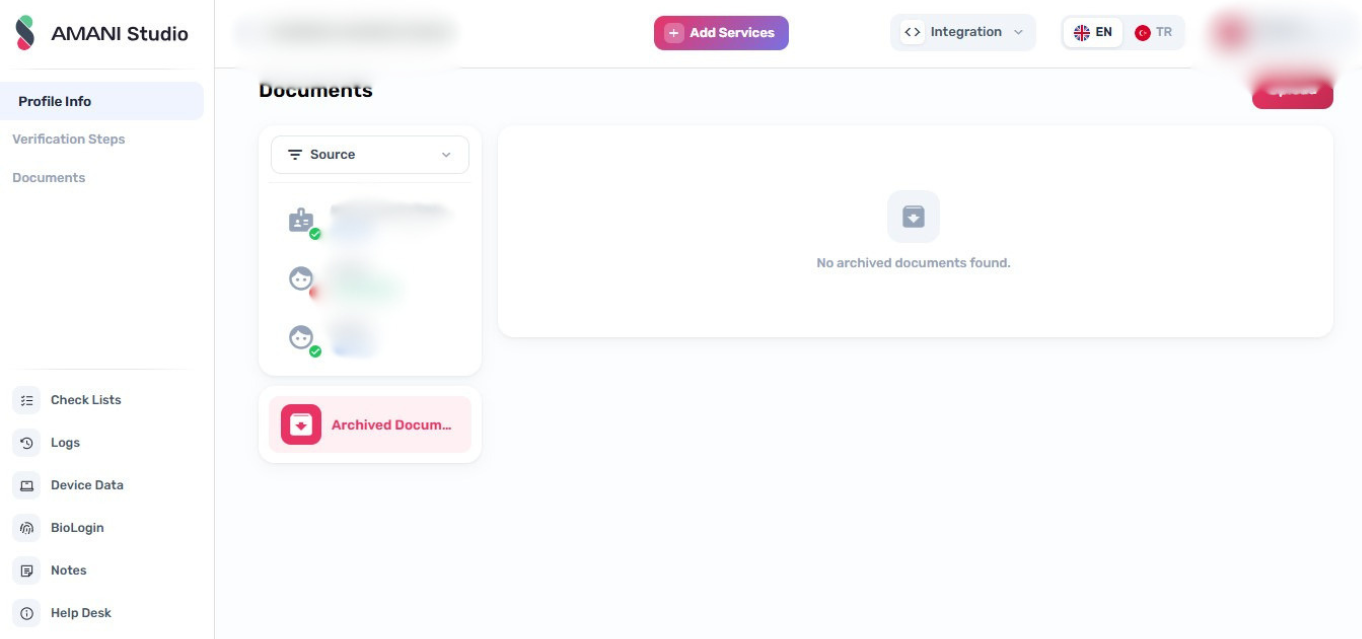
- Select the document type and upload the required files