Help & Support
Amani Studio provides two built-in contact methods for reaching the Amani support team.
Option A — Help Desk (Inside Studio)
- Open Profile from the left sidebar.
- Expand Help Desk.
- Click Create Request.
- Enter your notes, then click Confirm.
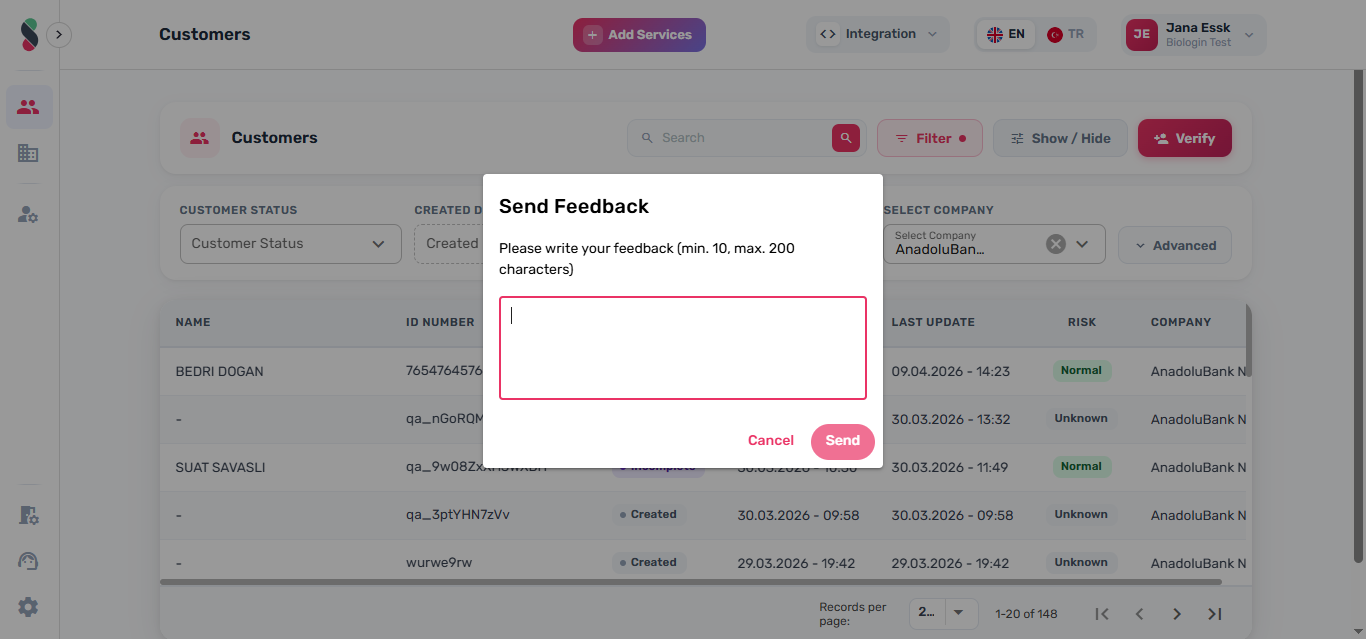
note
Support requests include your current Studio page URL to help the team investigate the issue.
Option B — Help Widget (Login / Reset Password / Create Account)
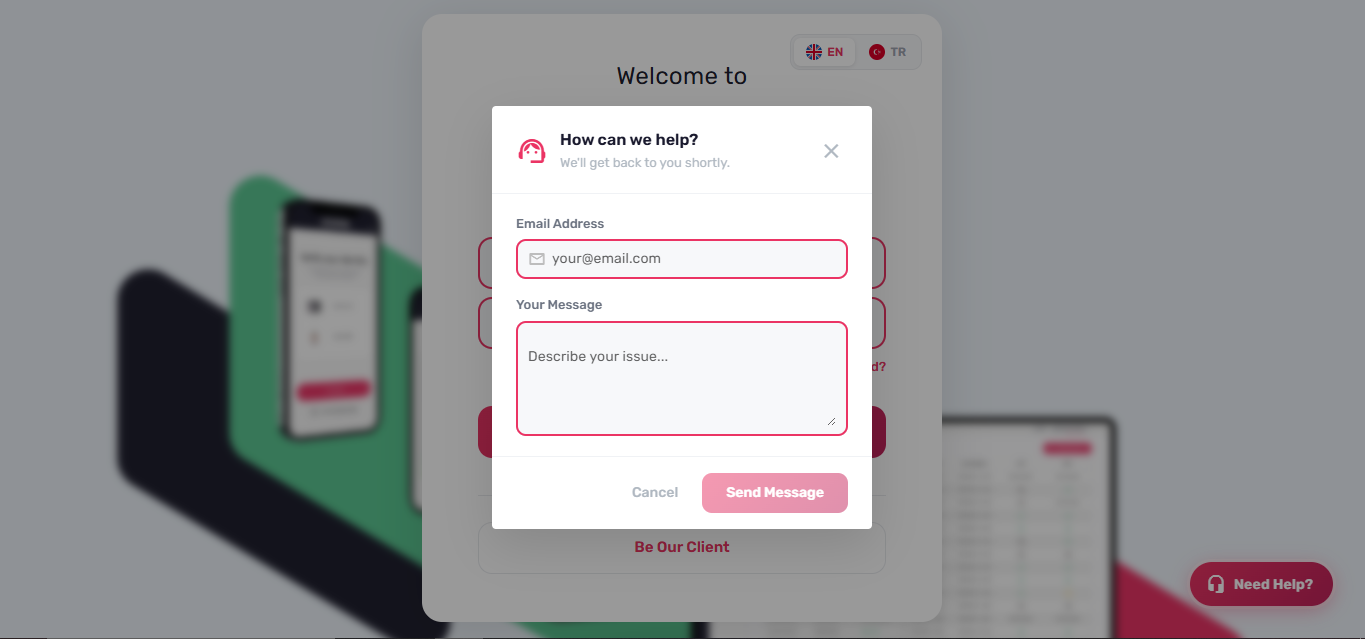
The login, reset password, and create account pages include a floating Need help? button.
- Click Need help?
- Enter your email and message.
- Click Send Message.
note
The Send Message button is enabled only after a valid email address and a message of sufficient length have been entered.