BioPay
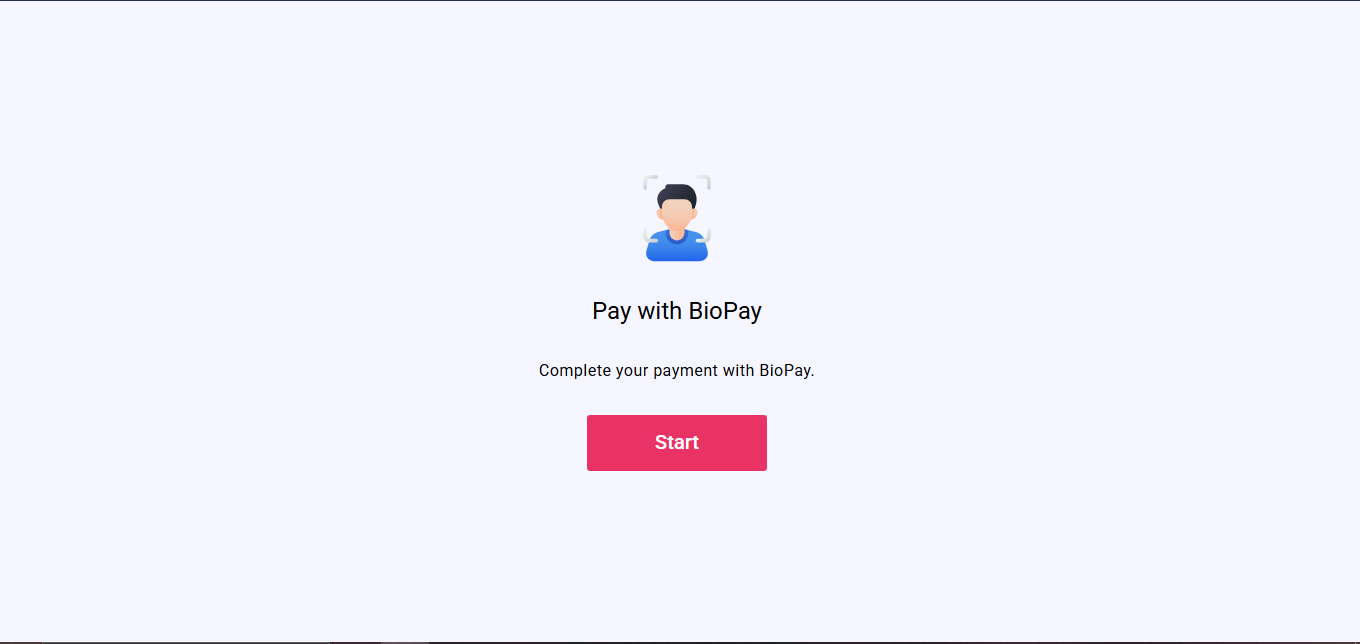
BioPay is a payment authorization experience where you confirm your identity by taking a selfie and entering your PIN before a payment is processed.
How You Reach This Screen
You open a BioPay link provided by the business. The link includes a payment access token (bio_token) and a server address (server_url) which start the experience automatically.
What Happens Step by Step
BioPay Screen
- Purpose: Confirm your identity with a selfie and PIN to authorize a payment.
- When you arrive here: You open the BioPay link from the business.
- What you do: Tap Start, take a selfie, review it, enter your PIN, and wait for the result.
- What happens next: The result (success, rejected, or retry) is shown on the same screen. You can reset and start again from the beginning if needed.
Steps You Go Through
- Start screen — explains what you need to do
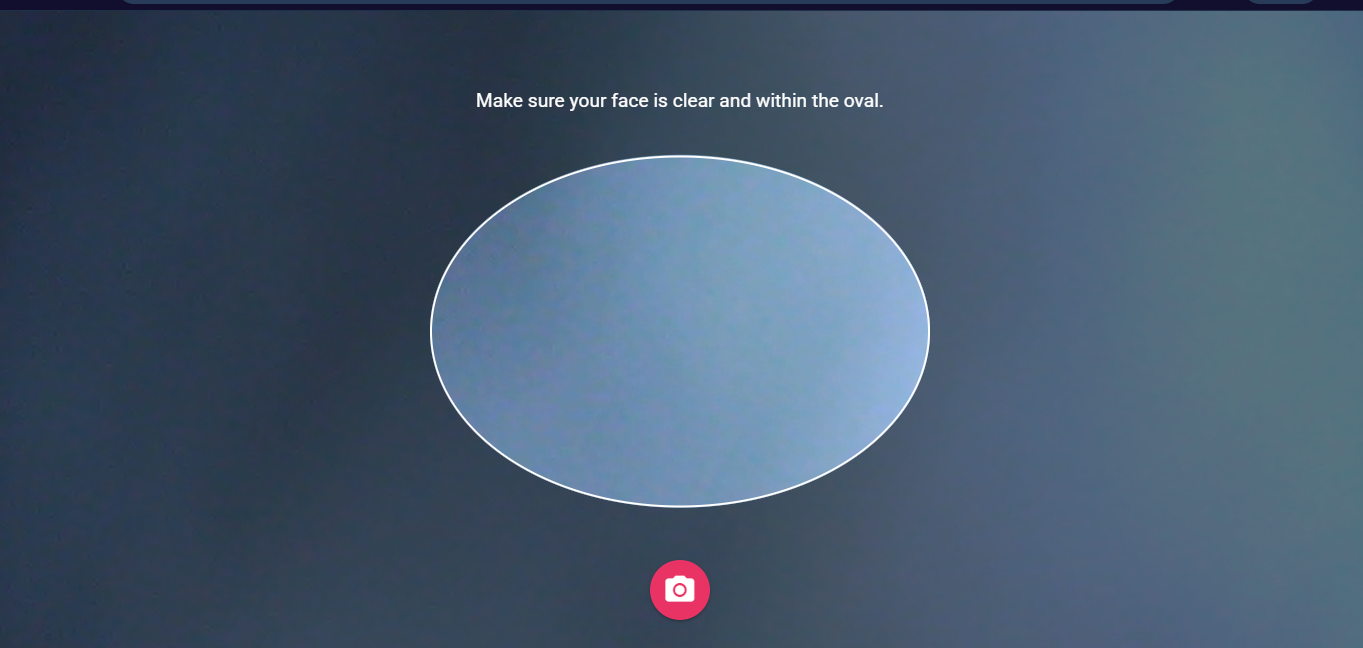
- Camera capture — you take a selfie with a face guide on screen
- Selfie review — you confirm or retake the image
- PIN entry — you enter your PIN
- Submission — your selfie and PIN are sent for verification
- Result — the screen shows success, rejection, or a retry prompt
Camera Behavior
- The app uses your front-facing camera for the selfie.
- If you have more than one camera, you can switch between them.
What Gets Sent for Verification
The app sends your PIN, your selfie image, device information, and (if enabled) your location sharing data.
Result Outcomes
- Success — a success message is shown.
- Rejected — a failure message is shown.
- Other — a retry prompt is shown and you can try again.
note
BioPay uses its own payment access token and does not use the standard identity verification (KYC) session token.