Entity Information
Entity Information
Overview
You review and provide company or entity details required by the business.
User Journey (Step-by-step)
Route: /entity/info
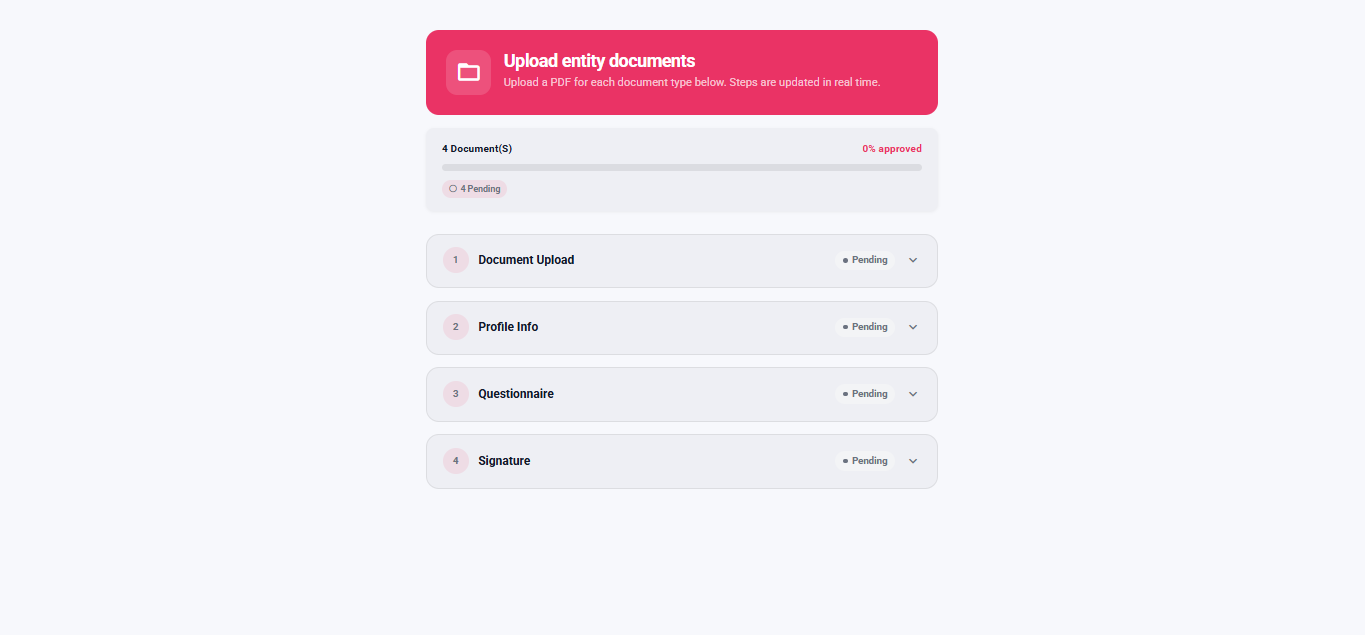
What you see:
- A form requesting company or entity details (name, address, registration details, country, and additional fields).
- An optional section where you can add custom key and value pairs for extra information.
- A Save button.
What you do:
- Fill in or review the requested information.
- Add any additional information entries if required.
- Tap Save.
What happens next:
- If the save succeeds, you go to the entity completion screen in information mode.
Route: /entity/complete?mode=info
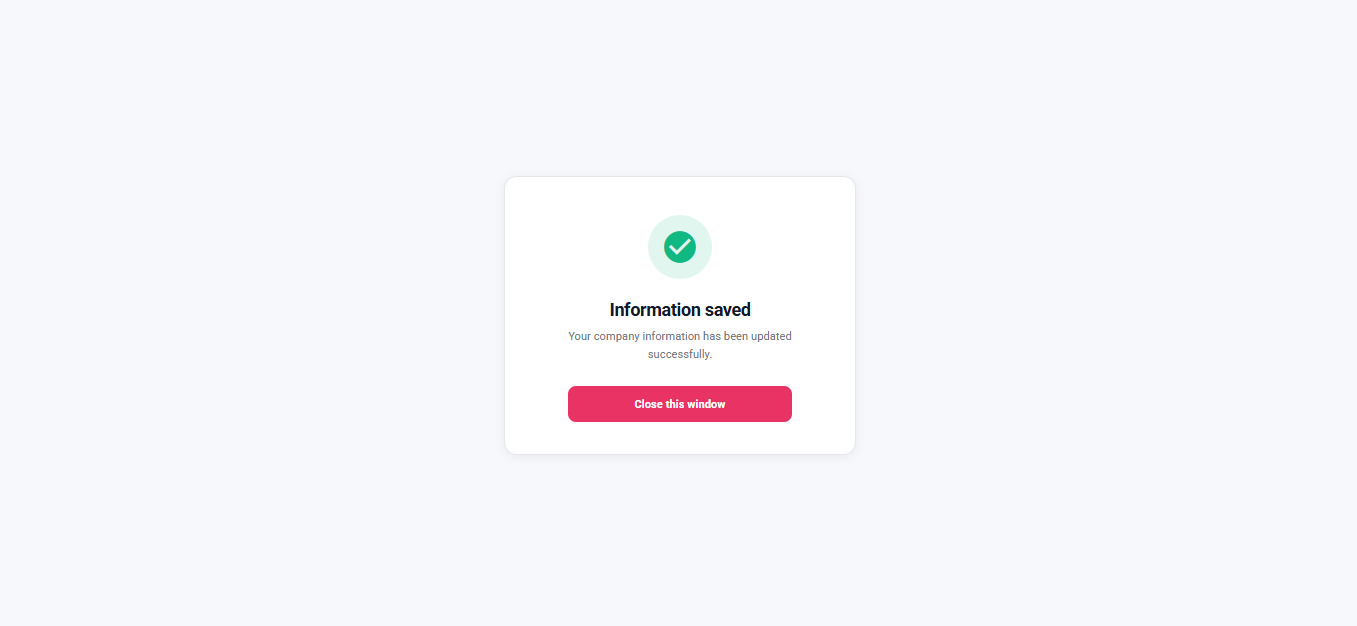
What you see:
- A completion message for the information step.
- A Continue button.
What you do:
- Tap Continue.
What happens next:
- You are redirected to the business return link, or the window closes.
Entry Conditions
- The entity journey requires company information and routes you to the information form.
Exit Conditions
- Successful save routes you to the entity completion screen.
Branches
- Missing entity session context (for example after a page refresh):
- You may be sent back to the entity start screen to re-initialize.
- Save failure:
- You remain on the information form with an error message and can try again.