Entity Completion
Entity Completion
Overview
You finish the company/entity verification journey and return to the business website or app.
User Journey (Step-by-step)
Route: /entity/complete
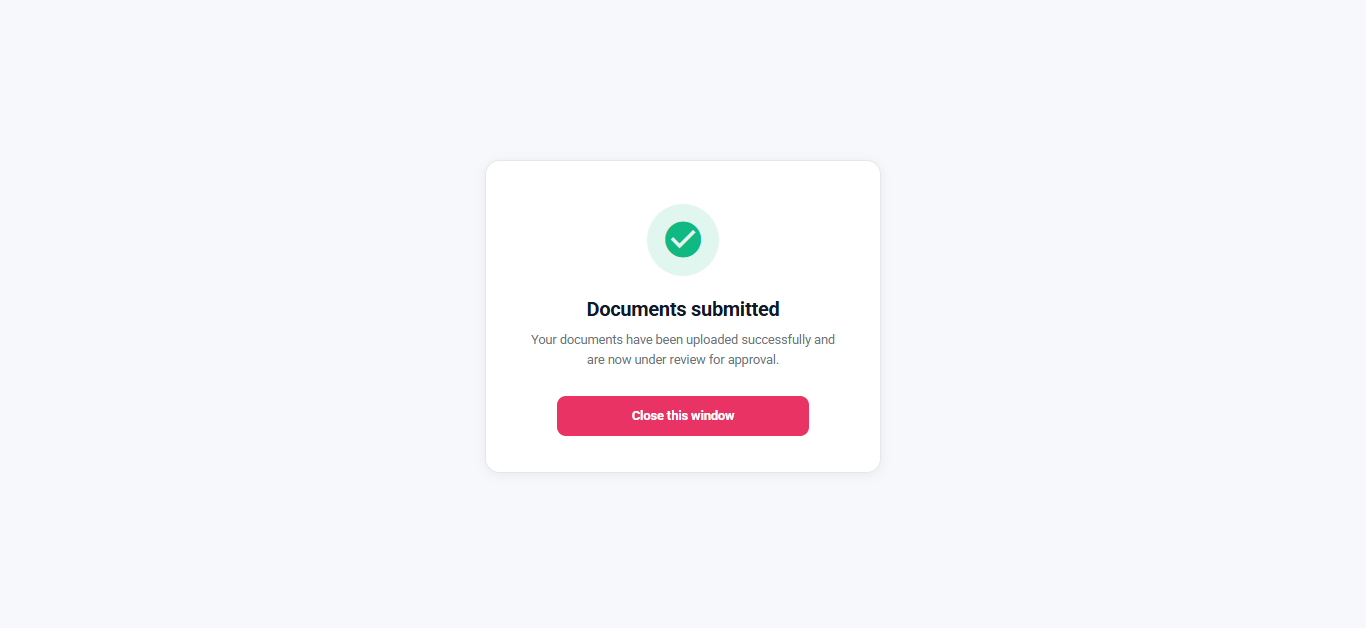
What you see:
- A completion message.
- A Continue button (or a close action).
What you do:
- Tap Continue.
What happens next:
- If a return link exists, you are redirected to the business website.
- If no return link exists, the window closes.
Entry Conditions
- You completed the entity document upload or the entity information form.
Exit Conditions
- Redirects to the business return link if available; otherwise closes the window.
Branches
- Information mode:
- When the journey was started in information-entry mode, the completion message may reflect that context.