BioPay
BioPay
Overview
You take a selfie and enter a PIN to complete a payment-related identity confirmation.
User Journey (Step-by-step)
Route: /biopay
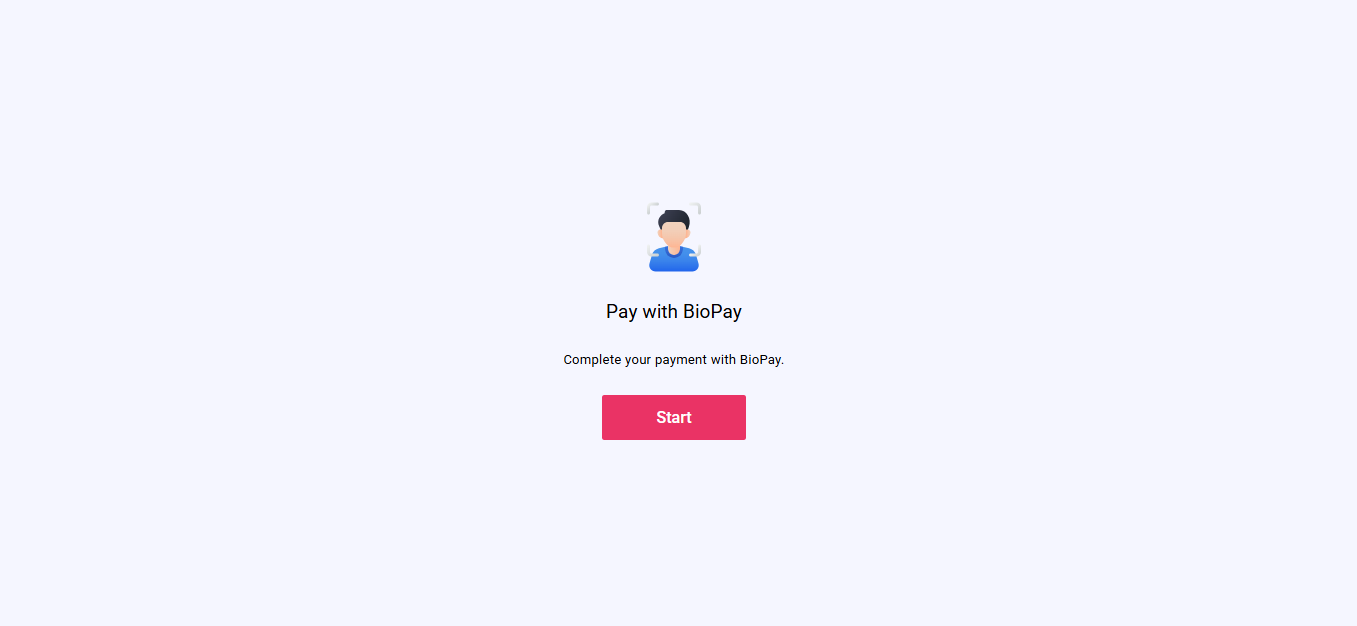
What you see:
- A BioPay start screen explaining what you will do.
What you do:
- Tap the Start button to begin.
What happens next:
- You move to the selfie capture screen.
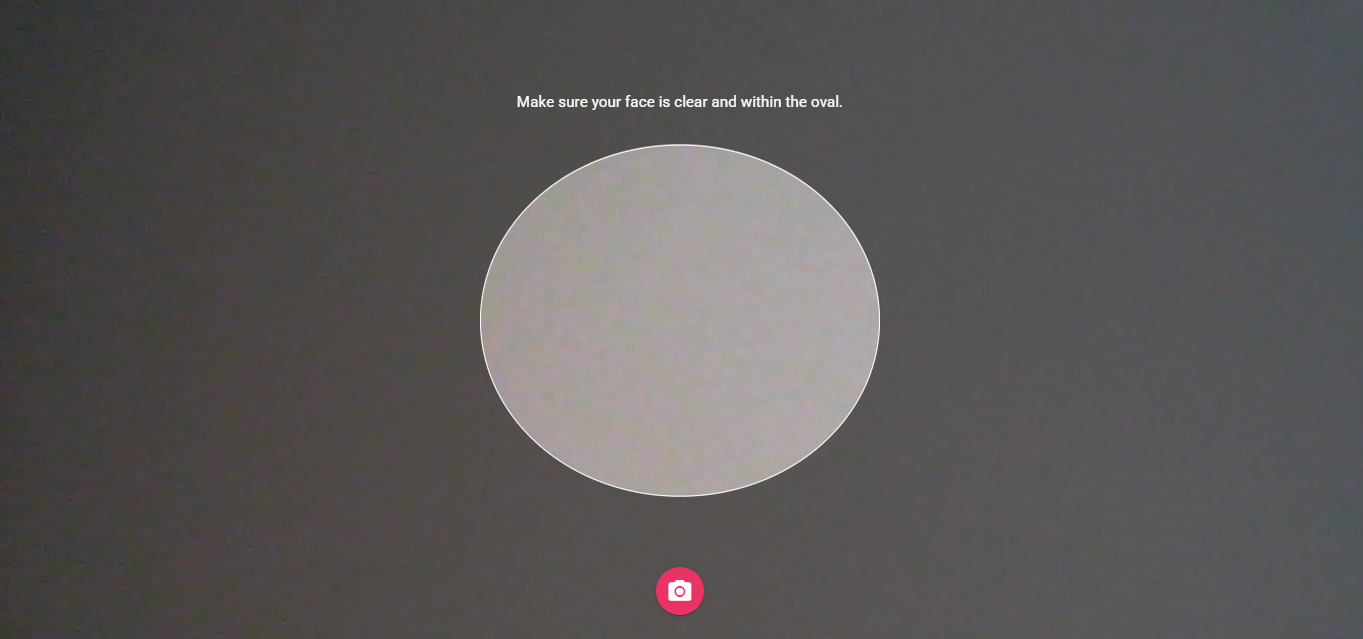
What you see:
- A camera preview with an oval guide for your face.
- A capture button and (if available) a camera switch button.
What you do:
- Align your face inside the guide.
- Tap capture.
What happens next:
- You go to the photo review screen.
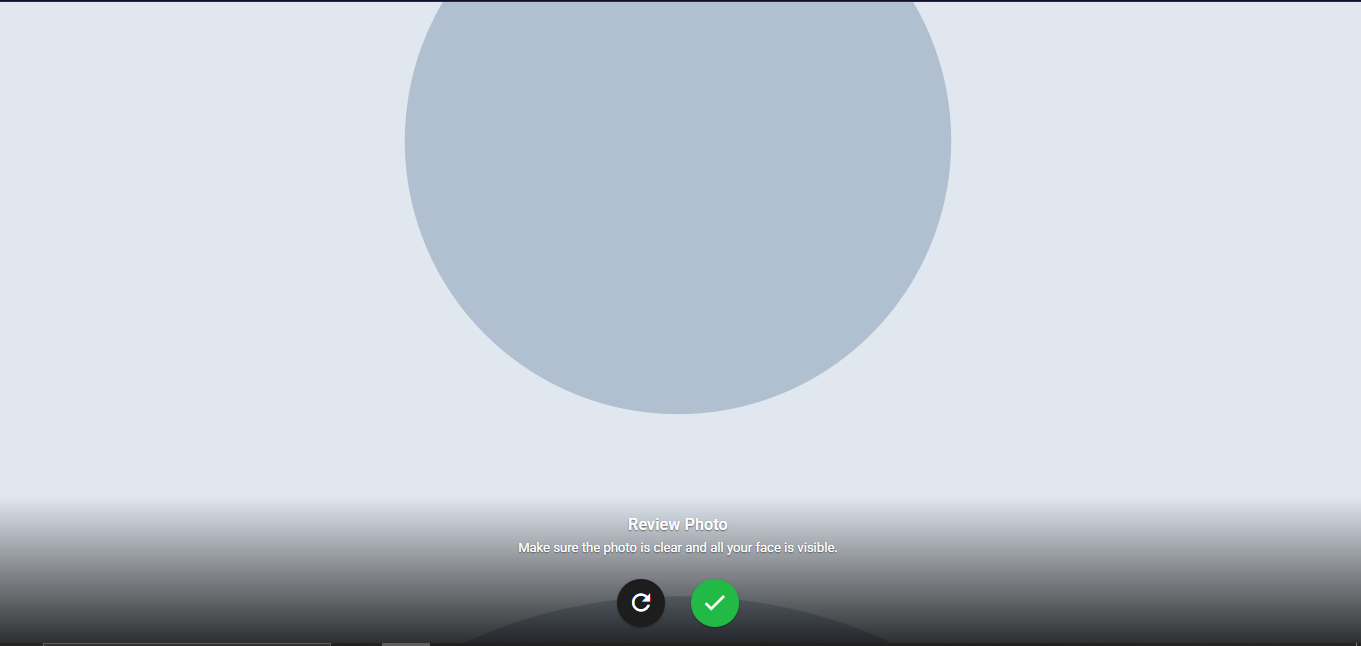
What you see:
- Your captured selfie.
- Options to retake or confirm.
What you do:
- Retake if needed, or confirm to continue.
What happens next:
- Confirming opens the PIN entry screen.
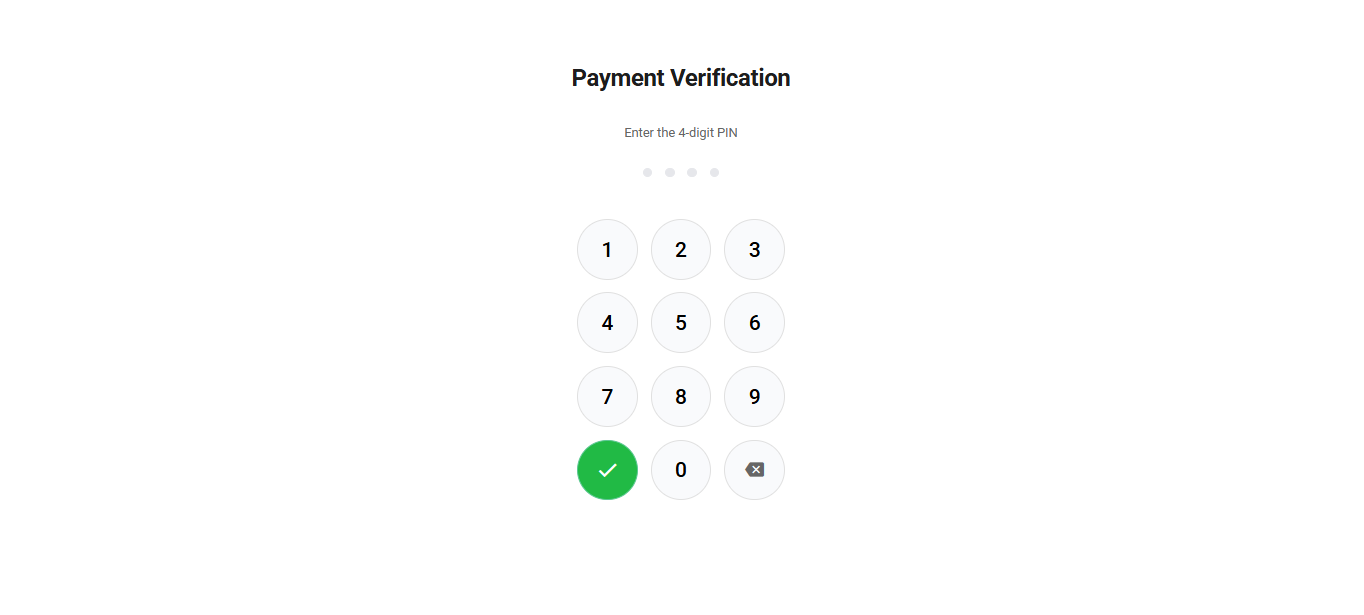
What you see:
- A PIN input screen.
What you do:
- Enter your PIN.
What happens next:
- The attempt is submitted and you see a result screen.
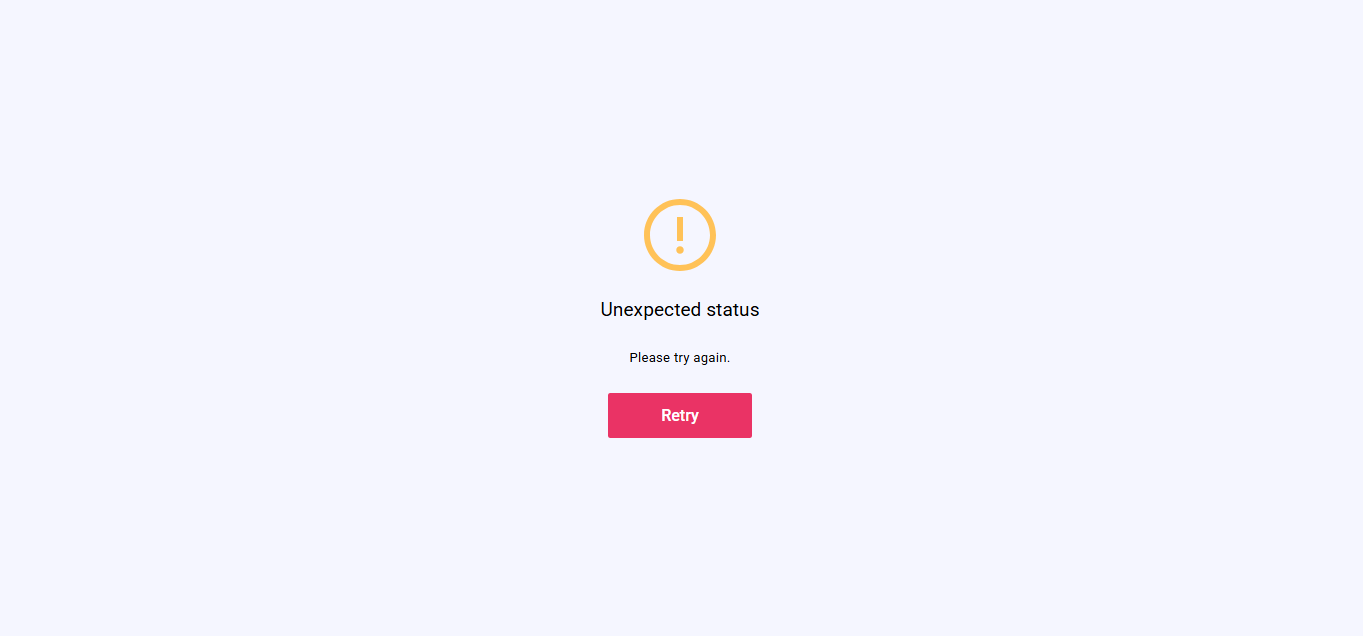
What you see:
- A result message (success, rejected, or retry).
- A button to close or continue.
What you do:
- Tap the button.
What happens next:
- The BioPay flow resets back to the start screen.
Entry Conditions
- You open a BioPay link provided by the business.
Exit Conditions
- This journey does not automatically return to the business return link from the result screen.
- The result button resets BioPay back to the start screen.
Branches
- Retake:
- Review screen → returns to selfie capture.
- Result outcomes:
- Success: shows success result.
- Rejected: shows failure result.
- Other outcomes: shows retry result.